通知
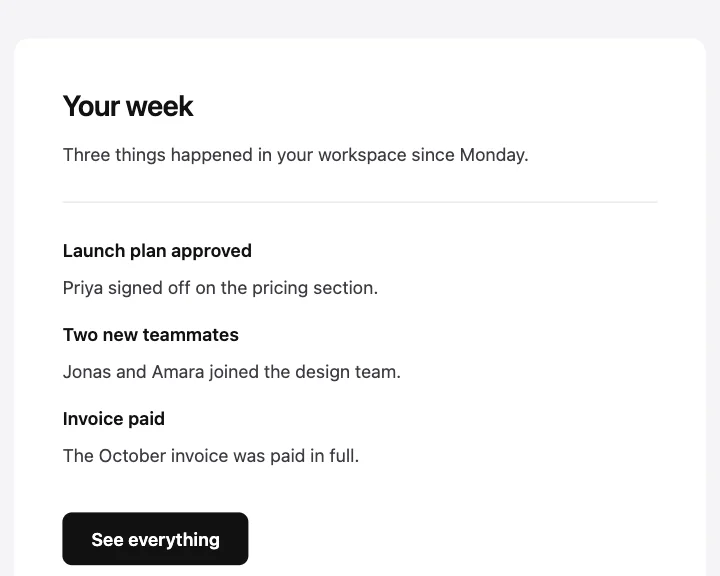
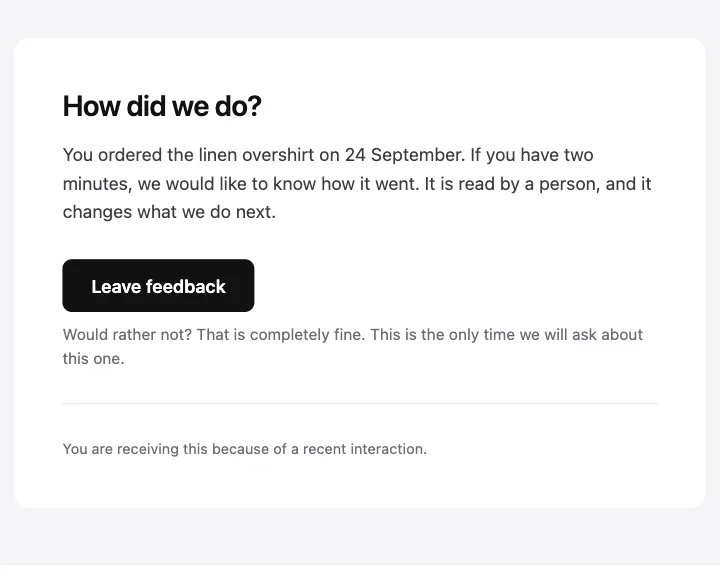
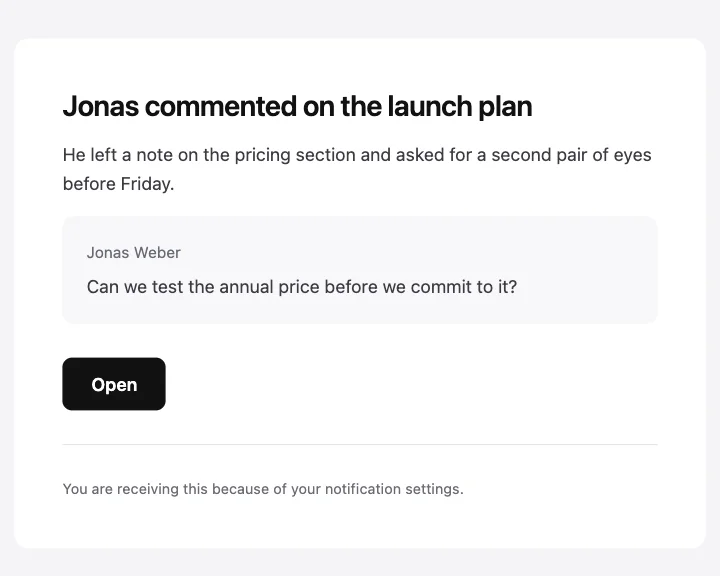
いちばんシンプルな形。見出し、詳細の一文、任意の引用、リンクで構成します。
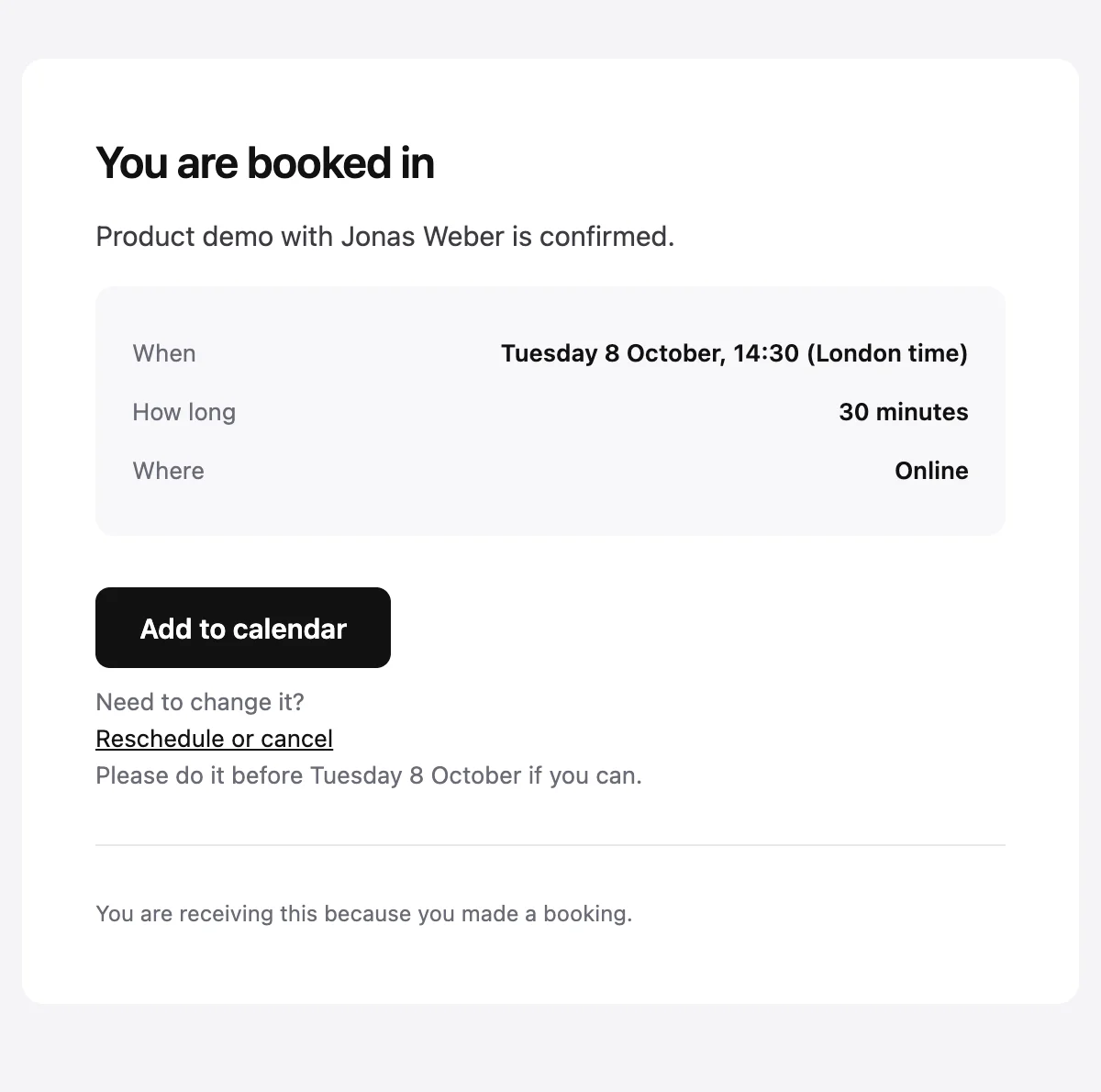
タイムゾーンを明記し、日時変更のリンクを添えた予約の確認。
Confirmed: {{eventName}} on {{eventDate}}

You are booked in

{{eventName}} with {{hostName}} is confirmed.

When

{{eventDate}}, {{eventTime}} ({{timeZone}})

How long

{{duration}}

Where

{{location}}

Add to calendar [{{actionUrl}}]

Need to change it?
Reschedule or cancel [{{rescheduleUrl}}]
Please do it before {{eventDate}} if you can.

{{footerNote}}
サンプルの値で表示しています。HTMLとプレーンテキストのタブでは、プレースホルダーがそのまま残ります。
概要
ミーティングや予約が入ったときに送ります。イベント名と主催者を示し、日付、時刻、タイムゾーン、所要時間、場所を伝えます。カレンダーに追加するリンクと、日時の変更やキャンセルのためのリンクも用意します。
値
必須の値は、送信のたびに必ず渡す必要があります。それ以外は、ここに示したデフォルト値が使われます。
| プレースホルダー | 種類 | 必須 | デフォルト |
|---|---|---|---|
{{eventName}} | テキスト | 必須 | なし |
{{hostName}} | テキスト | 必須 | なし |
{{eventDate}} | テキスト | 必須 | なし |
{{eventTime}} | テキスト | 必須 | なし |
{{timeZone}} | テキスト | 必須 | なし |
{{duration}} | テキスト | 任意 | 30 minutes |
{{location}} | テキスト | 任意 | Online |
{{actionUrl}} | リンク | 必須 | なし |
{{rescheduleUrl}} | リンク | 必須 | なし |
{{footerNote}} | テキスト | 任意 | You are receiving this because you made a booking. |
API
このデザインからテンプレートを一度作成すれば、あとはメッセージごとの値を渡して送信できます。
import { init, openemail } from '@openemail/sdk' init({ apiKey: process.env.OPENEMAIL_API_KEY }) const template = await openemail.templates.create({ name: 'Booking confirmed', starter: 'booking-confirmed', publish: true,}) const sent = await openemail.templates.send(template.slug, { from: 'Northwind <[email protected]>', to: '[email protected]', props: { eventName: 'Product demo', hostName: 'Jonas Weber', eventDate: 'Tuesday 8 October', eventTime: '14:30', timeZone: 'London time', actionUrl: 'https://example.com/bookings/8812/calendar', rescheduleUrl: 'https://example.com/bookings/8812', },}) console.log(sent.id, sent.status)通知
テンプレートから始める
どのテンプレートも、エディターでは移動、スタイル変更、削除ができるブロックとして開き、APIからは値を埋めて送信できます。
企業、AI、エージェント、個人利用のためのメールインフラ。スケール、プライバシー、コントロールのために設計。メールが最初から備えているべきだったすべて。