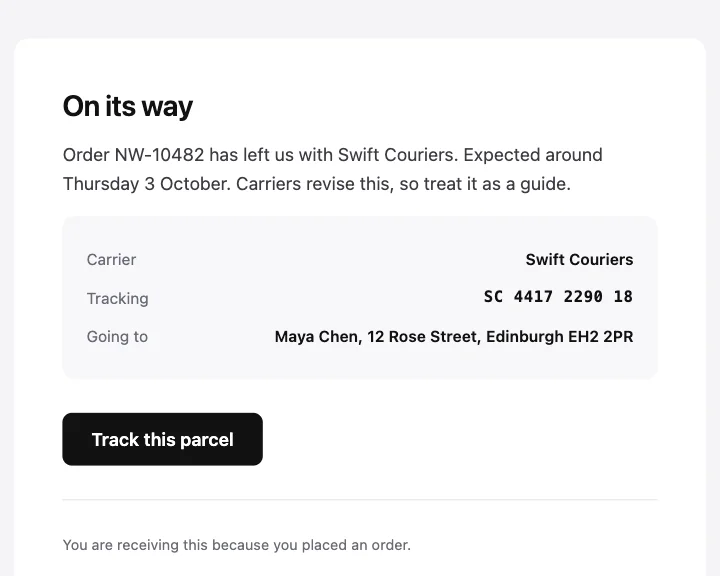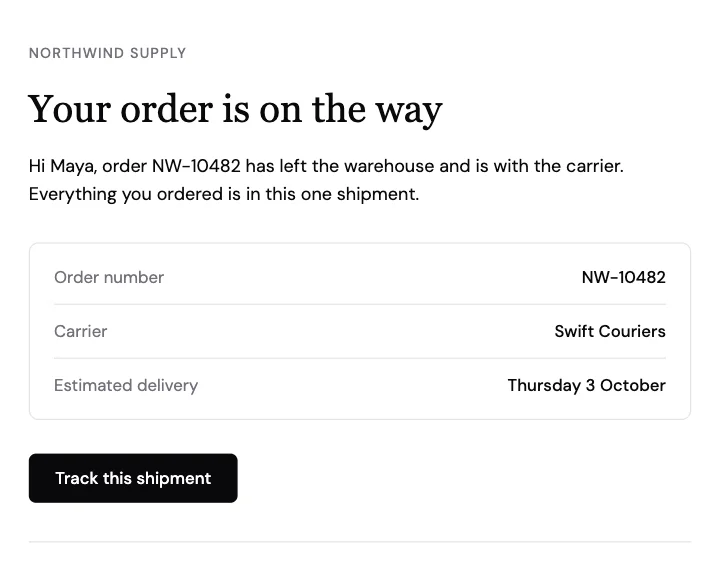
発送完了
注文番号、配送業者、お届け予定日を詳細表にまとめた発送のお知らせ。
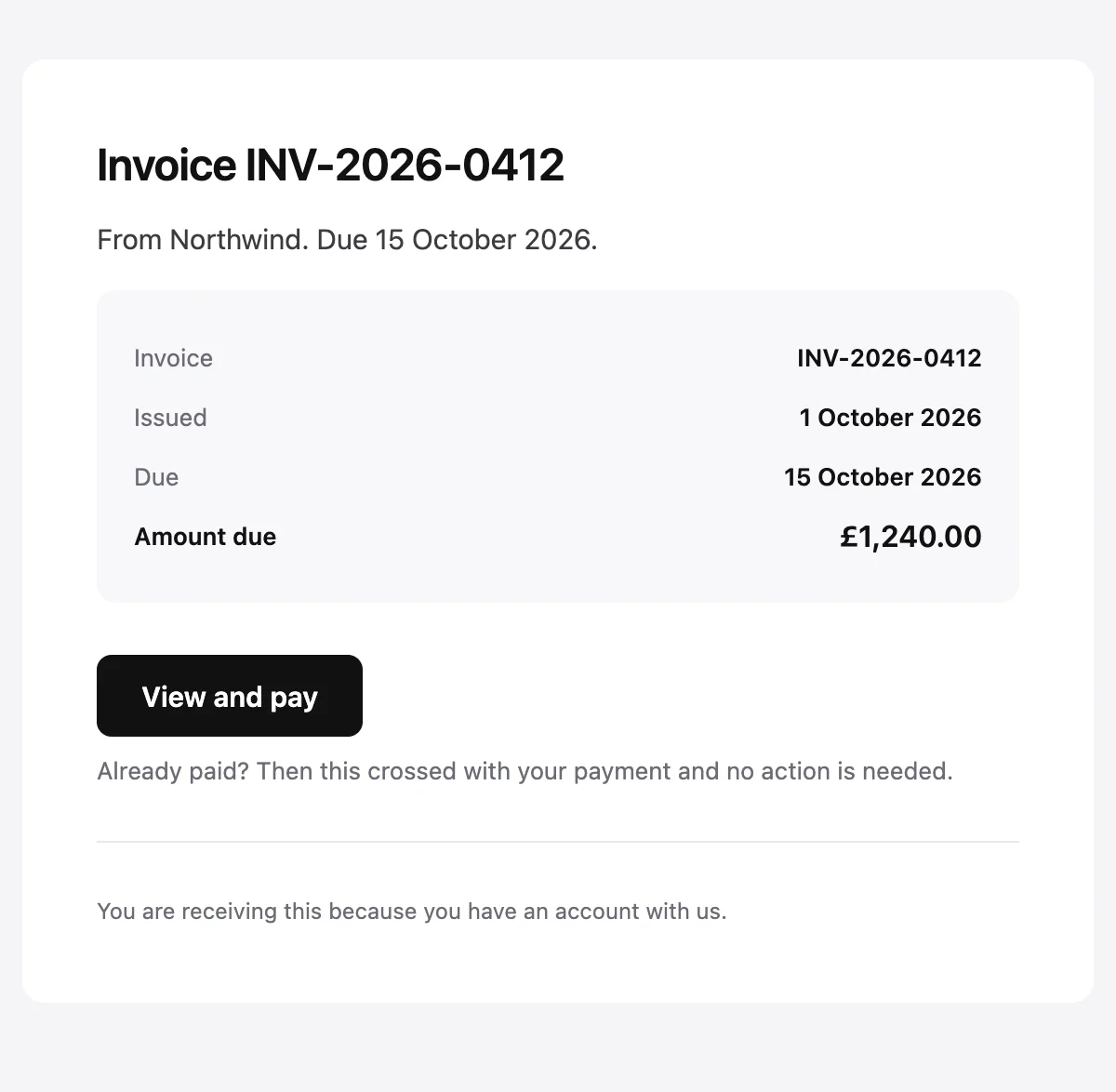
請求書番号、発行日、支払期日、請求額を載せた請求書のお知らせ。
Invoice {{invoiceNumber}} from {{merchantName}}

Invoice {{invoiceNumber}}

From {{merchantName}}. Due {{dueDate}}.

Invoice

{{invoiceNumber}}

Issued

{{issueDate}}

Due

{{dueDate}}

Amount due

{{amountDue}}

View and pay [{{actionUrl}}]

Already paid? Then this crossed with your payment and no action is needed.

{{footerNote}}
サンプルの値で表示しています。HTMLとプレーンテキストのタブでは、プレースホルダーがそのまま残ります。
概要
請求書を発行したときに送ります。番号、日付、請求額をシンプルな表にまとめ、確認と支払いのためのボタンをひとつ置きます。最後の一文では、このメールと行き違いで支払いが済んだ場合に触れます。
値
必須の値は、送信のたびに必ず渡す必要があります。それ以外は、ここに示したデフォルト値が使われます。
| プレースホルダー | 種類 | 必須 | デフォルト |
|---|---|---|---|
{{merchantName}} | テキスト | 必須 | なし |
{{invoiceNumber}} | テキスト | 必須 | なし |
{{issueDate}} | テキスト | 必須 | なし |
{{dueDate}} | テキスト | 必須 | なし |
{{amountDue}} | テキスト | 必須 | なし |
{{actionUrl}} | リンク | 必須 | なし |
{{footerNote}} | テキスト | 任意 | You are receiving this because you have an account with us. |
API
このデザインからテンプレートを一度作成すれば、あとはメッセージごとの値を渡して送信できます。
import { init, openemail } from '@openemail/sdk' init({ apiKey: process.env.OPENEMAIL_API_KEY }) const template = await openemail.templates.create({ name: 'Invoice', starter: 'invoice', publish: true,}) const sent = await openemail.templates.send(template.slug, { from: 'Northwind <[email protected]>', to: '[email protected]', props: { merchantName: 'Northwind', invoiceNumber: 'INV-2026-0412', issueDate: '1 October 2026', dueDate: '15 October 2026', amountDue: '£1,240.00', actionUrl: 'https://example.com/invoices/INV-2026-0412', },}) console.log(sent.id, sent.status)注文と請求
テンプレートから始める
どのテンプレートも、エディターでは移動、スタイル変更、削除ができるブロックとして開き、APIからは値を埋めて送信できます。
企業、AI、エージェント、個人利用のためのメールインフラ。スケール、プライバシー、コントロールのために設計。メールが最初から備えているべきだったすべて。