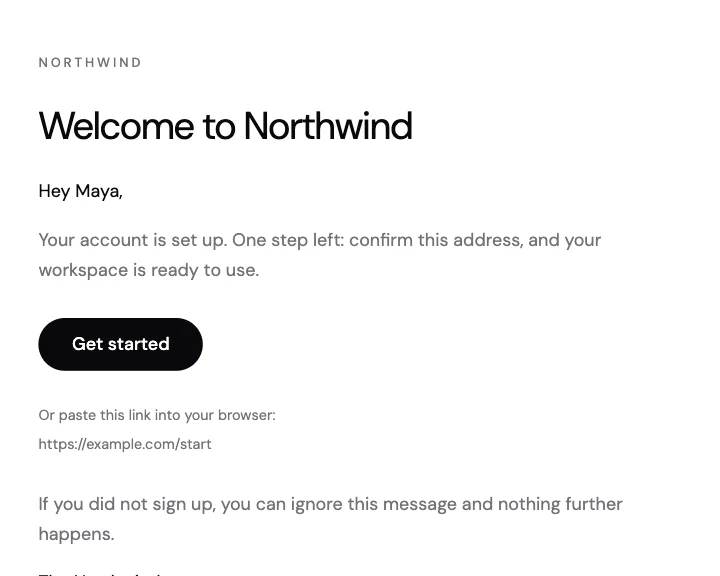
Welcome
A sign-up welcome with a short greeting, one button to get started and the link written out underneath.
A sign-in notice with the time, device and place, so people can recognise themselves.
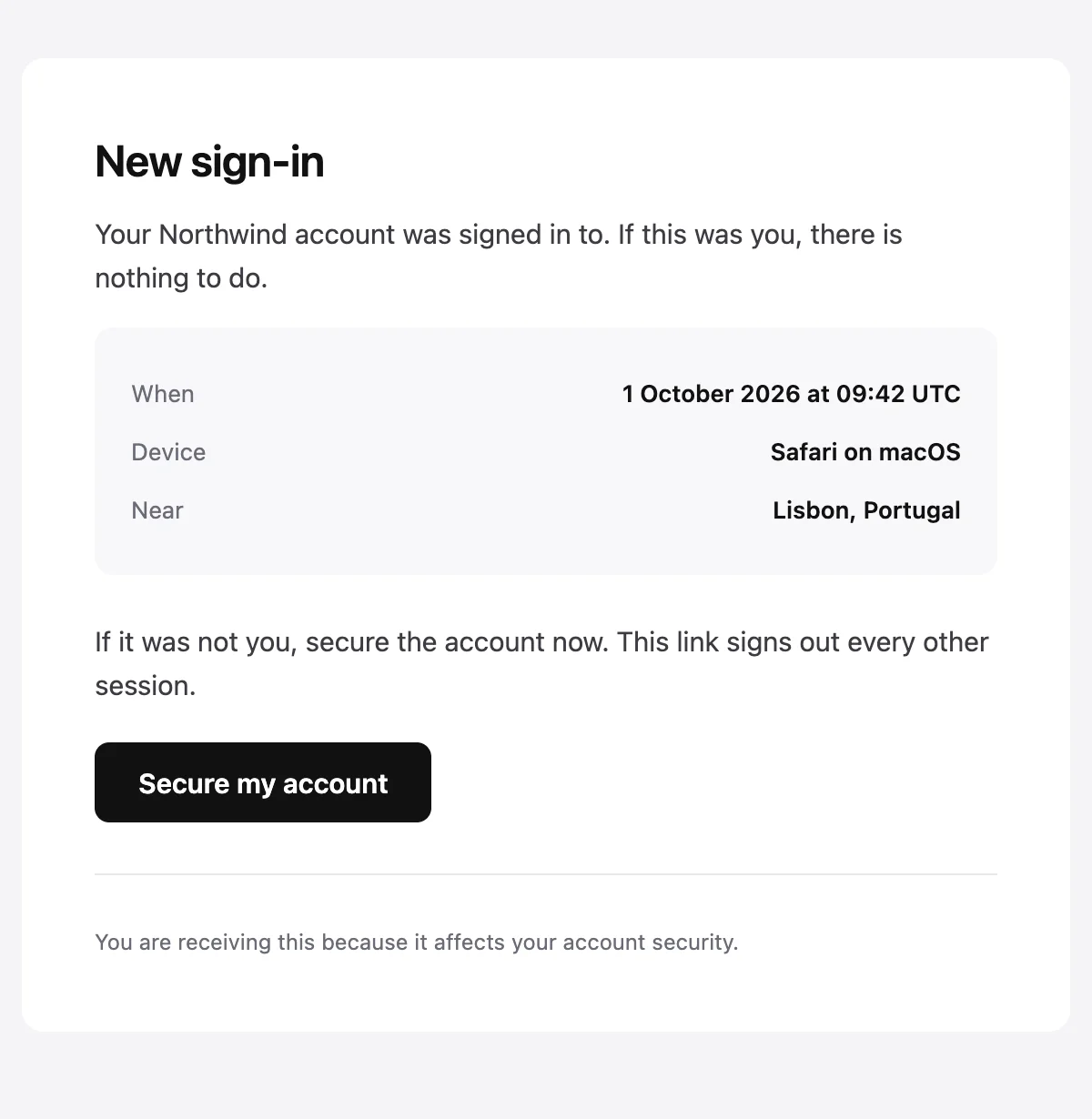
New sign-in to your {{productName}} account

New sign-in

Your {{productName}} account was signed in to. If this was you, there is nothing to do.

When

{{when}}

Device

{{device}}

Near

{{location}}

If it was not you, secure the account now. This link signs out every other session.

Secure my account [{{actionUrl}}]

{{footerNote}}
Shown with sample values. The HTML and plain-text tabs keep the placeholders.
About
Send it when an account is signed in to from a new device. It lists when, on what and roughly where, says there is nothing to do if it was them, and offers one button for when it was not.
Values
Required values have to come with every send. The rest fall back to the default shown here.
| Placeholder | Kind | Required | Default |
|---|---|---|---|
{{productName}} | Text | Required | None |
{{when}} | Text | Required | None |
{{device}} | Text | Required | None |
{{location}} | Text | Optional | Unknown |
{{actionUrl}} | Link | Required | None |
{{footerNote}} | Text | Optional | You are receiving this because it affects your account security. |
API
Create a template from this design once, then send it with the values for each message.
import { init, openemail } from '@openemail/sdk' init({ apiKey: process.env.OPENEMAIL_API_KEY }) const template = await openemail.templates.create({ name: 'New sign-in', starter: 'security-alert', publish: true,}) const sent = await openemail.templates.send(template.slug, { from: 'Northwind <[email protected]>', to: '[email protected]', props: { productName: 'Northwind', when: '1 October 2026 at 09:42 UTC', device: 'Safari on macOS', location: 'Lisbon, Portugal', actionUrl: 'https://example.com/security', },}) console.log(sent.id, sent.status)Accounts and access
A sign-up welcome with a short greeting, one button to get started and the link written out underneath.
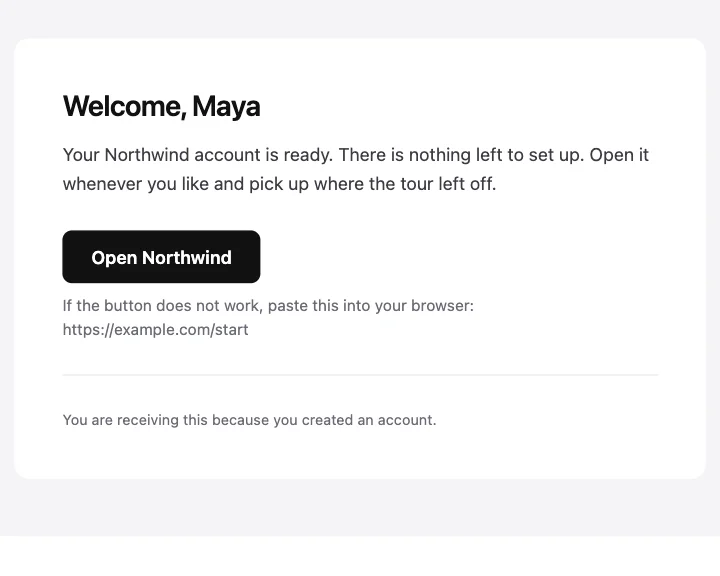
A compact welcome in a card, with one button back into the product.
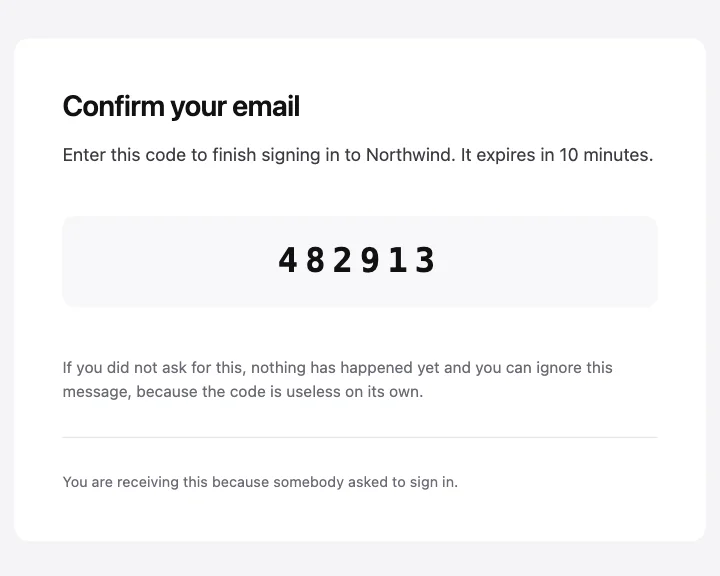
A one-time code set large enough to read from another screen.
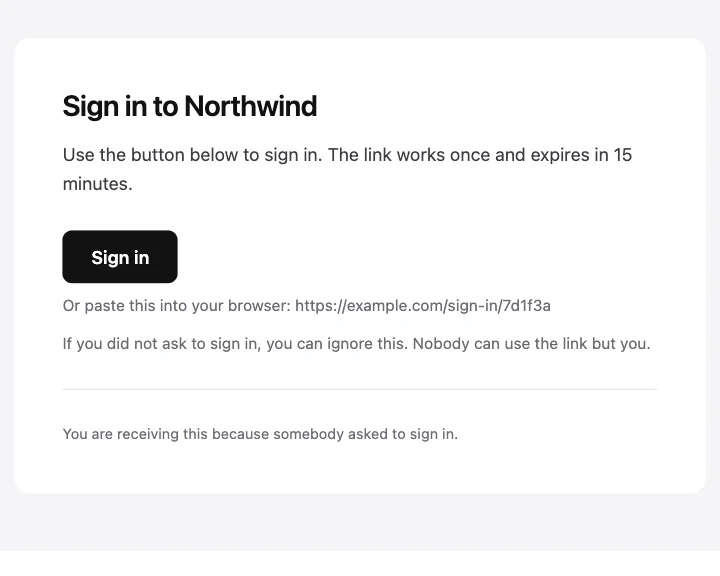
Passwordless sign-in with one button and the link printed as text.
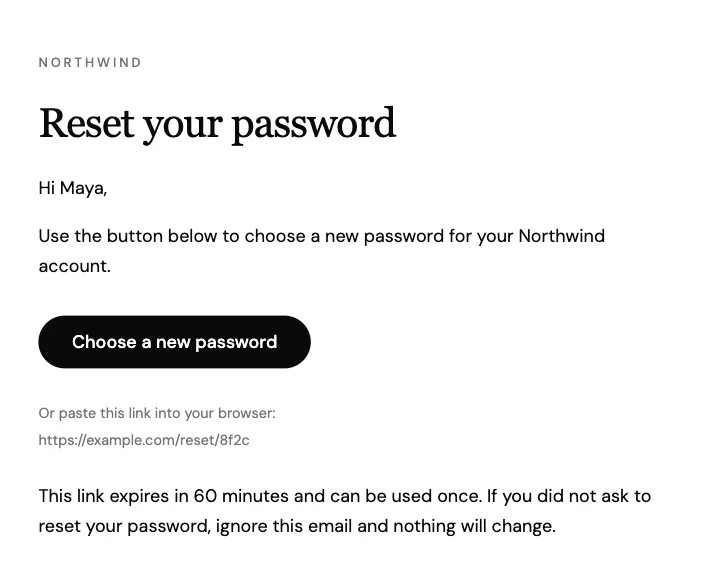
A reset email with one button, a link to paste and a clear expiry.
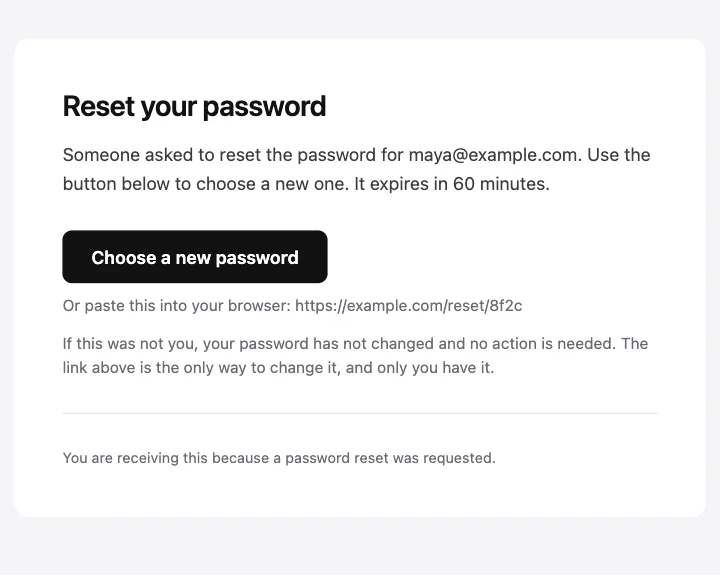
A reset email that names the account and says plainly that nothing has changed yet.
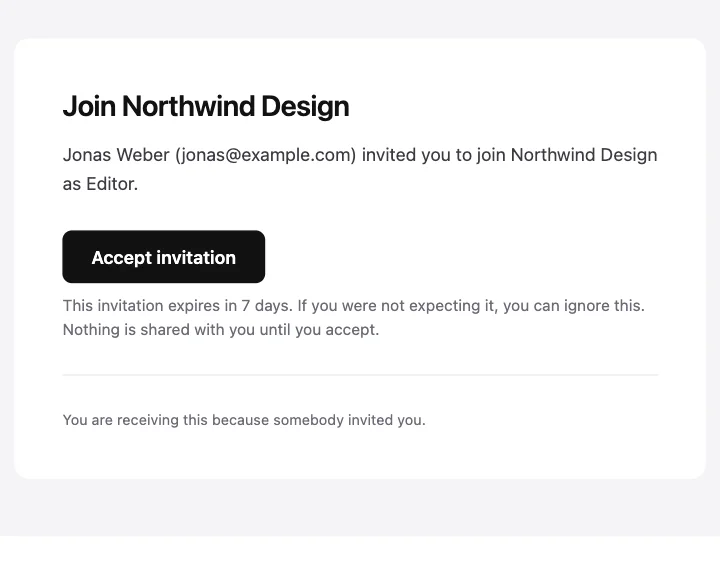
An invitation that names the person inviting, the workspace and the role on offer.
Start from one
Every template opens in the editor as blocks you can move, restyle or delete, and sends through the API with the values filled in.
Email infrastructure for businesses, AI, agents and personal email. Built for scale, privacy and control. Everything email should have had from day one.


Email infrastructure for businesses, AI, agents and personal email. Built for scale, privacy and control. Everything email should have had from day one.