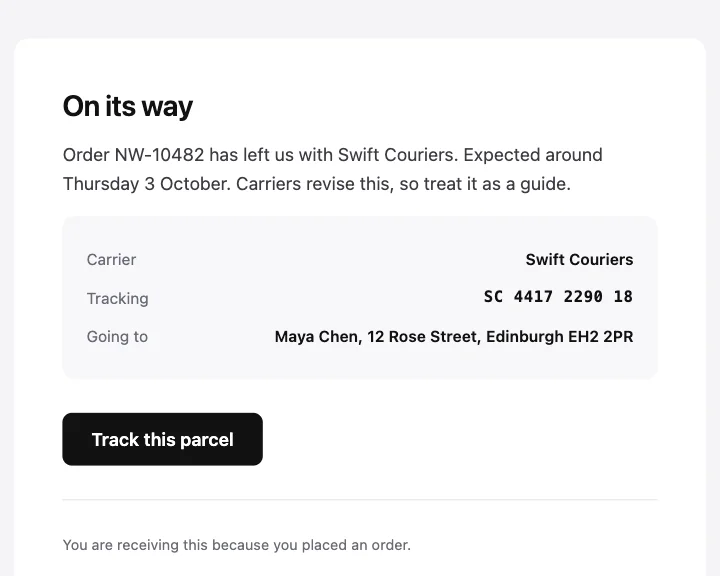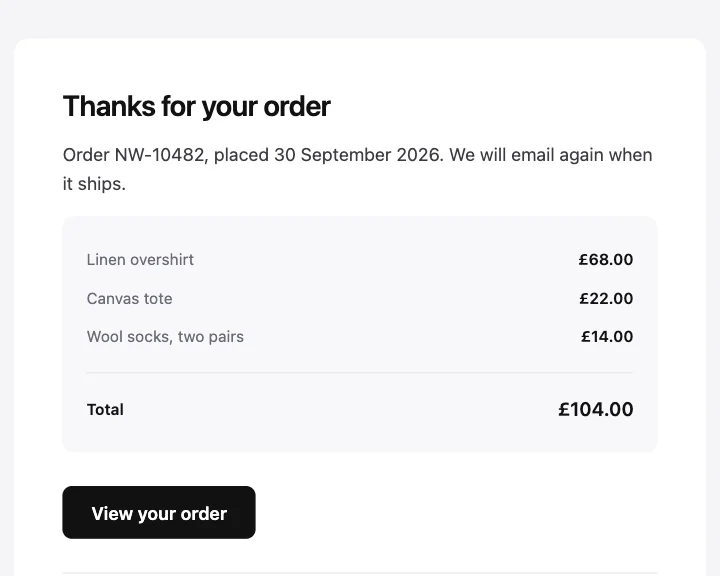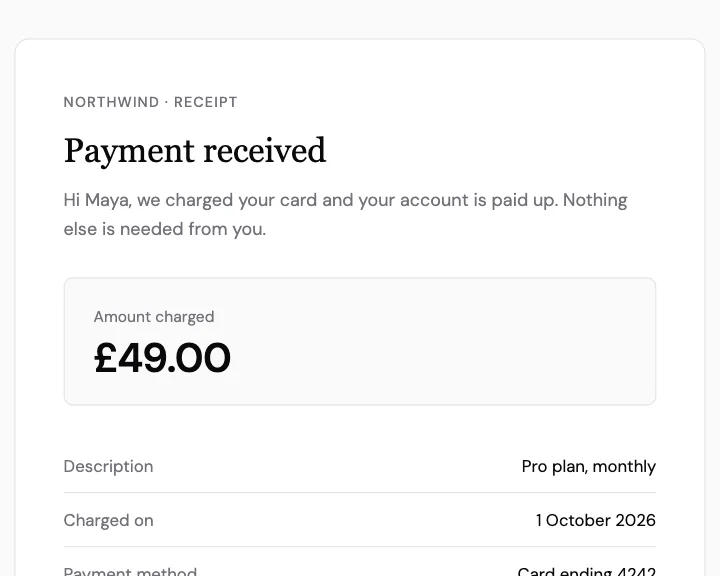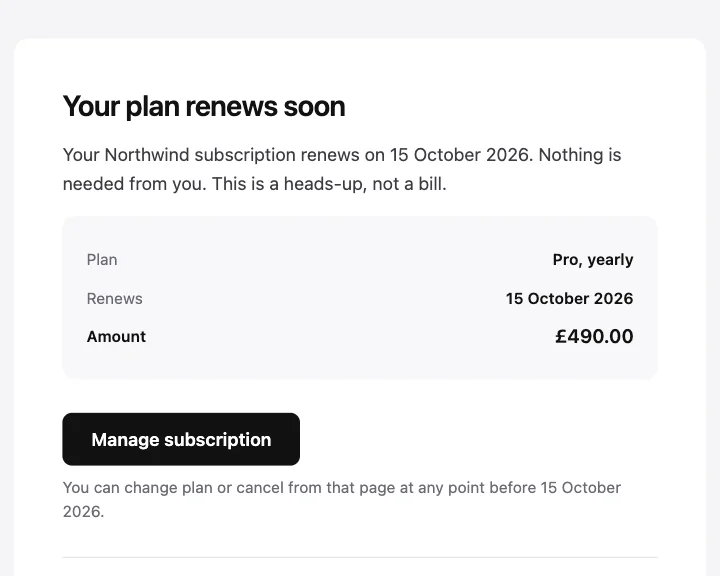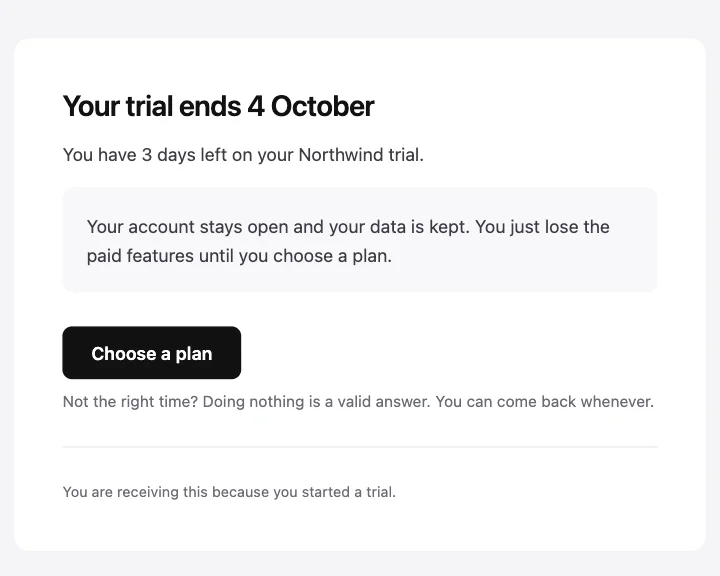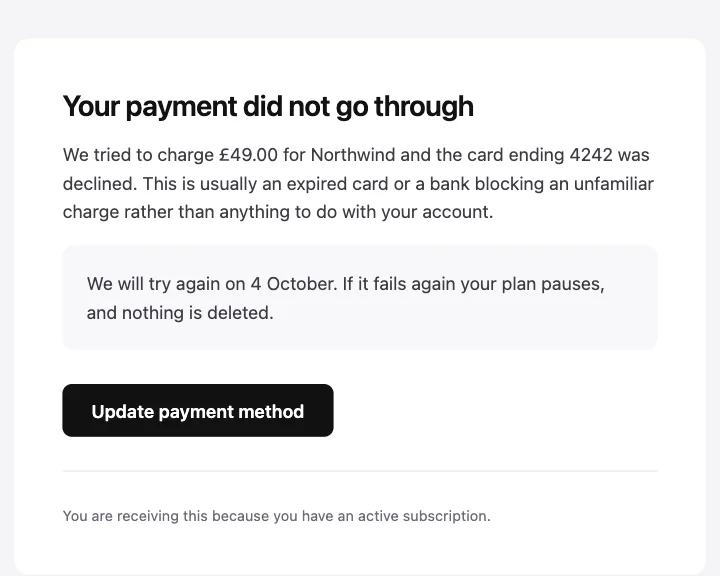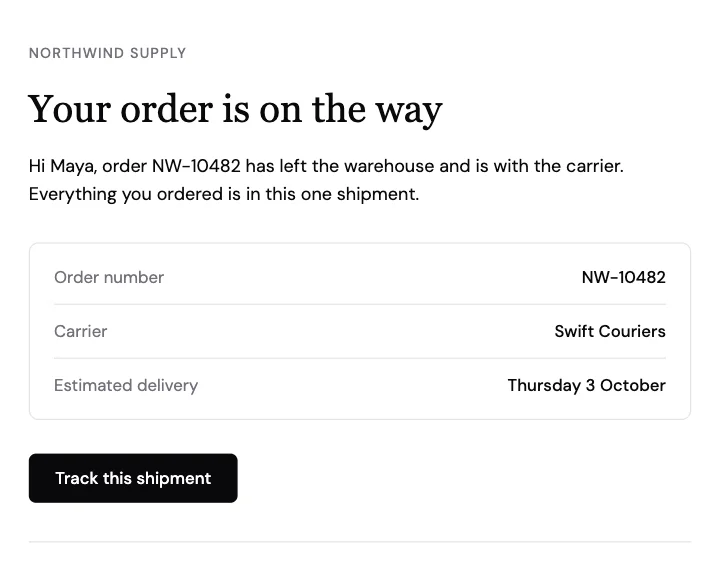
주문 발송 완료
주문 번호, 택배사, 예상 도착일을 세부 정보 표에 담은 발송 알림.
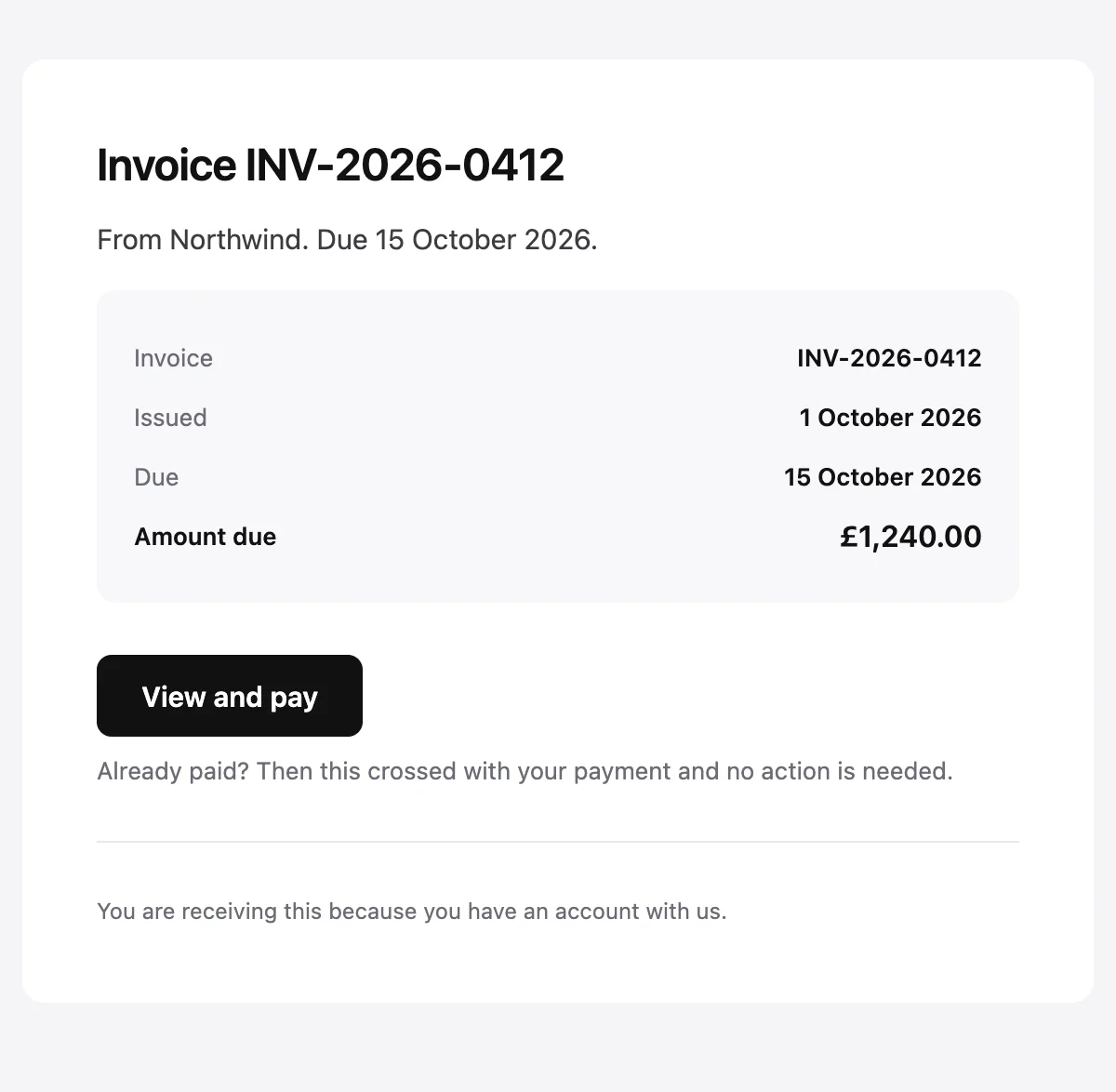
청구서 번호, 발행일, 납부 기한, 청구 금액을 담은 청구서 안내.
Invoice {{invoiceNumber}} from {{merchantName}}

Invoice {{invoiceNumber}}

From {{merchantName}}. Due {{dueDate}}.

Invoice

{{invoiceNumber}}

Issued

{{issueDate}}

Due

{{dueDate}}

Amount due

{{amountDue}}

View and pay [{{actionUrl}}]

Already paid? Then this crossed with your payment and no action is needed.

{{footerNote}}
샘플 값으로 표시했습니다. HTML 탭과 일반 텍스트 탭에는 자리표시자가 그대로 남아 있습니다.
소개
청구서를 발행하면 보내세요. 번호, 날짜, 청구 금액이 간단한 표에 담기고, 확인하고 결제하는 버튼이 하나 있으며, 마지막 줄은 이 메일과 엇갈려 결제한 경우를 다룹니다.
값
필수 값은 발송할 때마다 함께 보내야 합니다. 나머지는 여기 표시된 기본값을 씁니다.
| 자리표시자 | 종류 | 필수 | 기본값 |
|---|---|---|---|
{{merchantName}} | 텍스트 | 필수 | 없음 |
{{invoiceNumber}} | 텍스트 | 필수 | 없음 |
{{issueDate}} | 텍스트 | 필수 | 없음 |
{{dueDate}} | 텍스트 | 필수 | 없음 |
{{amountDue}} | 텍스트 | 필수 | 없음 |
{{actionUrl}} | 링크 | 필수 | 없음 |
{{footerNote}} | 텍스트 | 선택 | You are receiving this because you have an account with us. |
API
이 디자인으로 템플릿을 한 번 만들어 두고, 메시지마다 값을 넣어 보내세요.
import { init, openemail } from '@openemail/sdk' init({ apiKey: process.env.OPENEMAIL_API_KEY }) const template = await openemail.templates.create({ name: 'Invoice', starter: 'invoice', publish: true,}) const sent = await openemail.templates.send(template.slug, { from: 'Northwind <[email protected]>', to: '[email protected]', props: { merchantName: 'Northwind', invoiceNumber: 'INV-2026-0412', issueDate: '1 October 2026', dueDate: '15 October 2026', amountDue: '£1,240.00', actionUrl: 'https://example.com/invoices/INV-2026-0412', },}) console.log(sent.id, sent.status)주문 및 결제
기업, AI, 에이전트, 개인 메일을 위한 이메일 인프라. 규모와 프라이버시, 통제권을 위해 만들었습니다. 이메일이 처음부터 갖췄어야 할 모든 것.